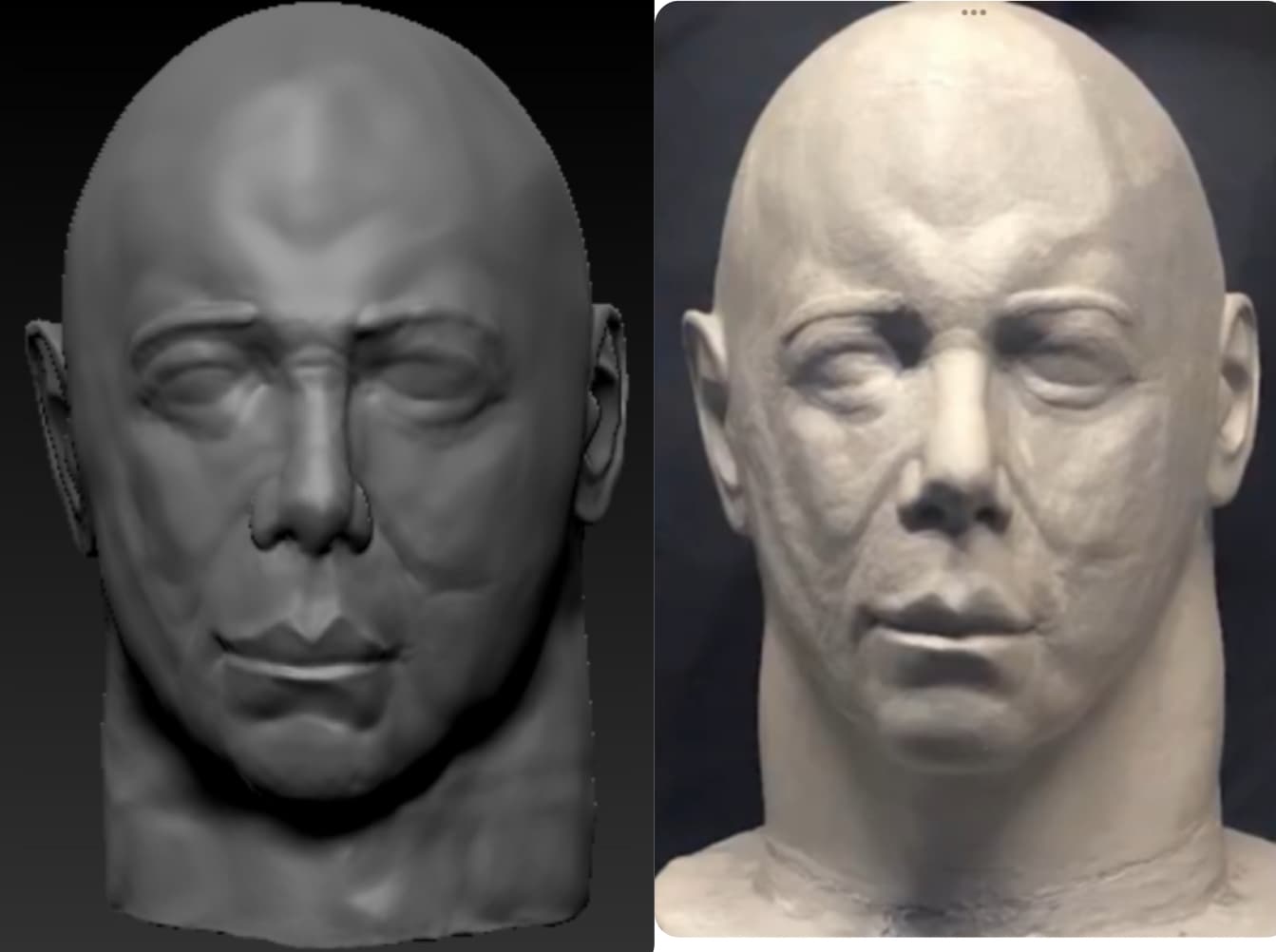
Are you referring to ske’s sculpt? I follow his instagram his is beautiful.
I think the username is ske_1990 on instagram
Are you referring to ske’s sculpt? I follow his instagram his is beautiful.
I think the username is ske_1990 on instagram
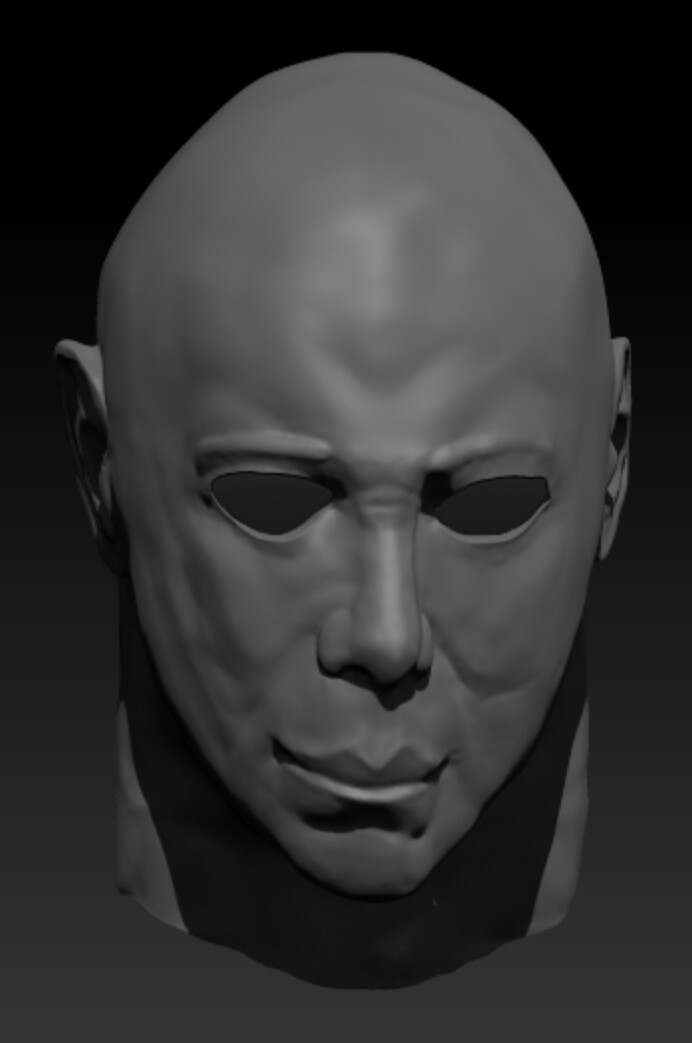
Hello again! Been a while, I had decided to start again, this time using some more digital sculpting knowledge and techniques I have learned from multiple YouTube tutorials.
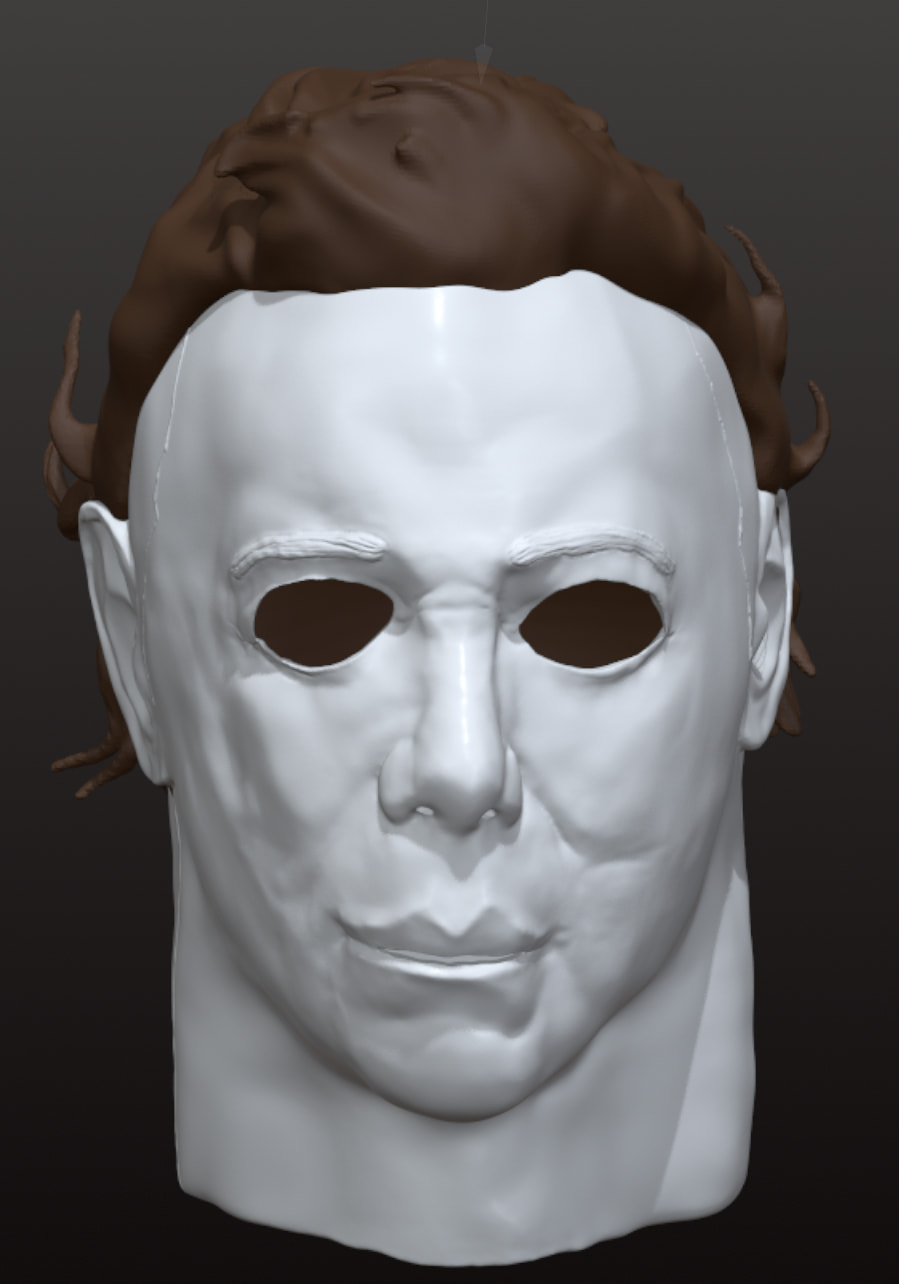
Here’s the updated version, following much more closely to the ID sculpt since I really like the concept of trying to capture the general castle stretch from all angles versus just from a specific scan in the movie.
Still need to add in the eye cuts, and maybe make some adjustments to the asymmetry of the mask, but I think it’s definitely improved a bit!
And here’s how it looks with some basic eye cuts and lighting just to get an idea of the mask:
Just thought I’d give an update. I took a break from it a bit because life stuff and also waiting to gather a resin printing set up, but yeah that’s why I hadn’t completed it yet.
Looks killer man, count me in 
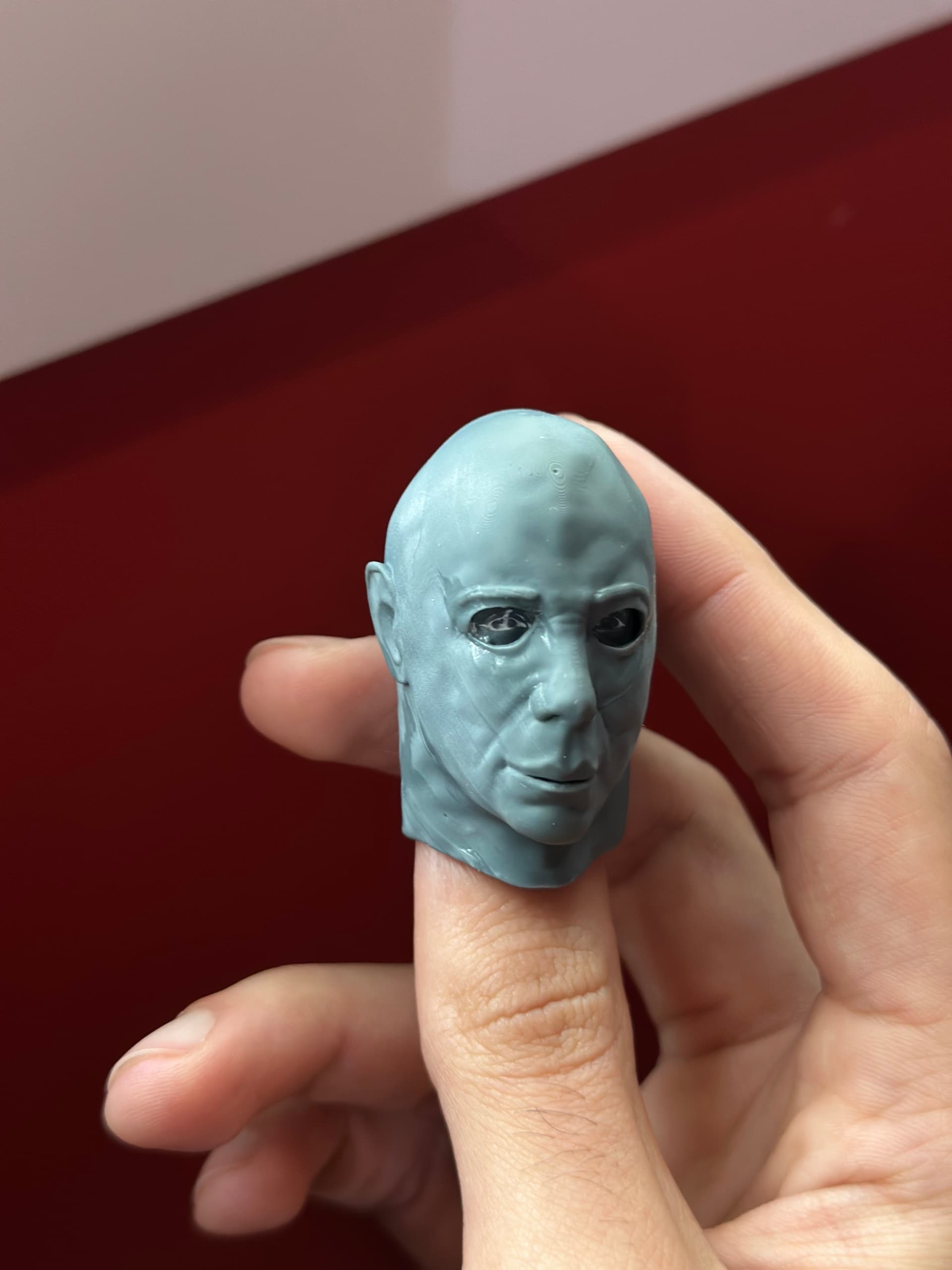
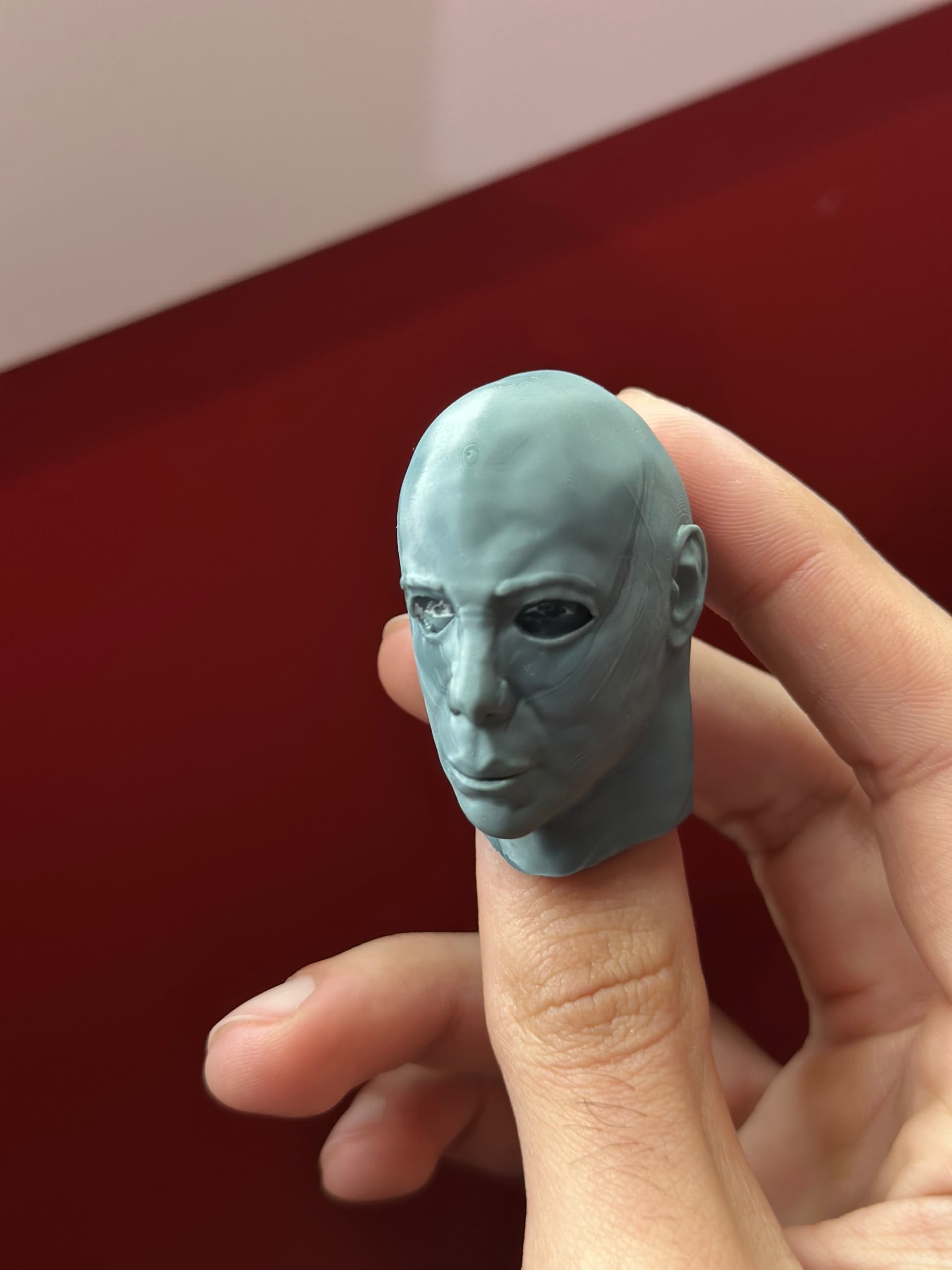
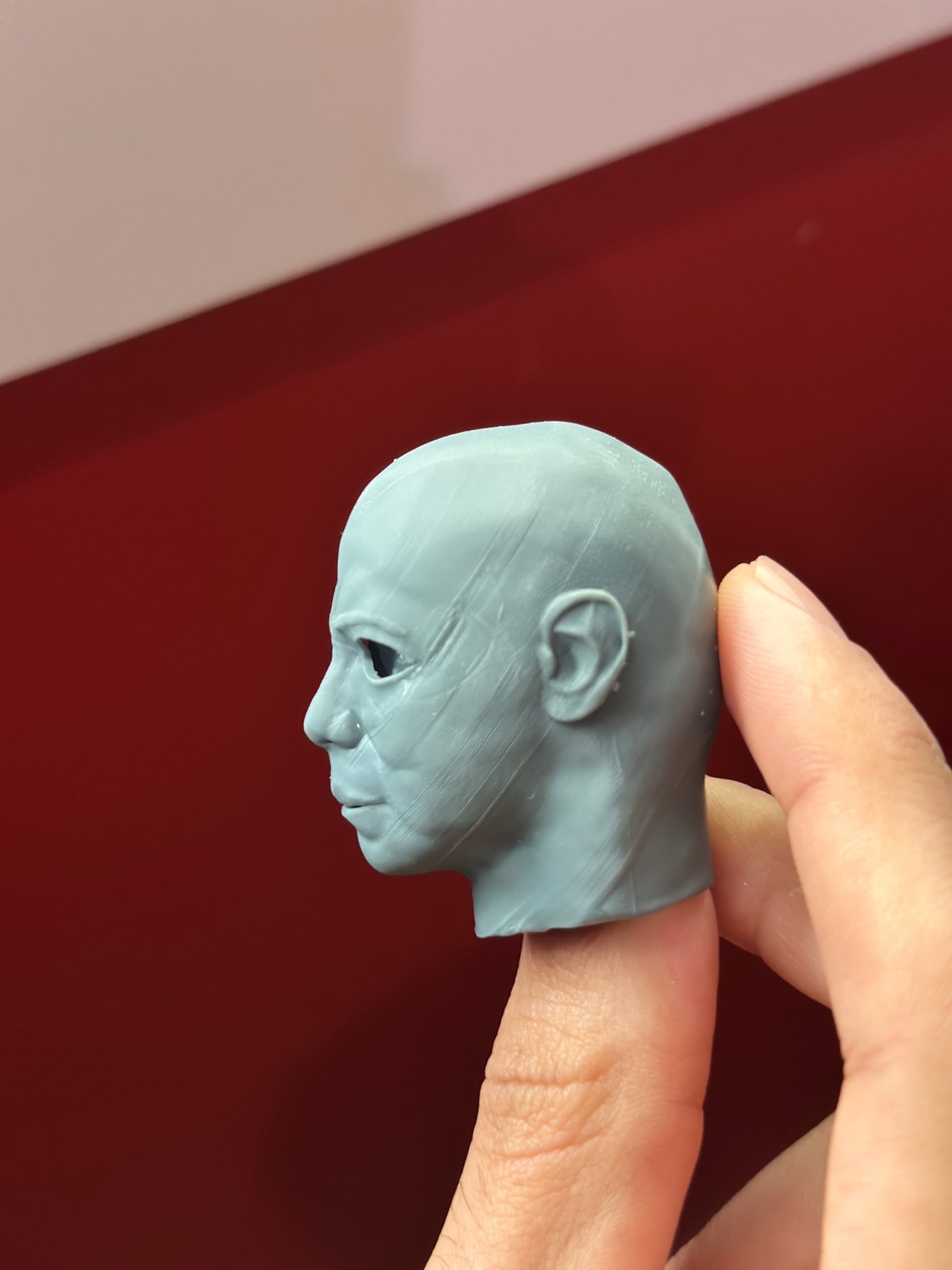
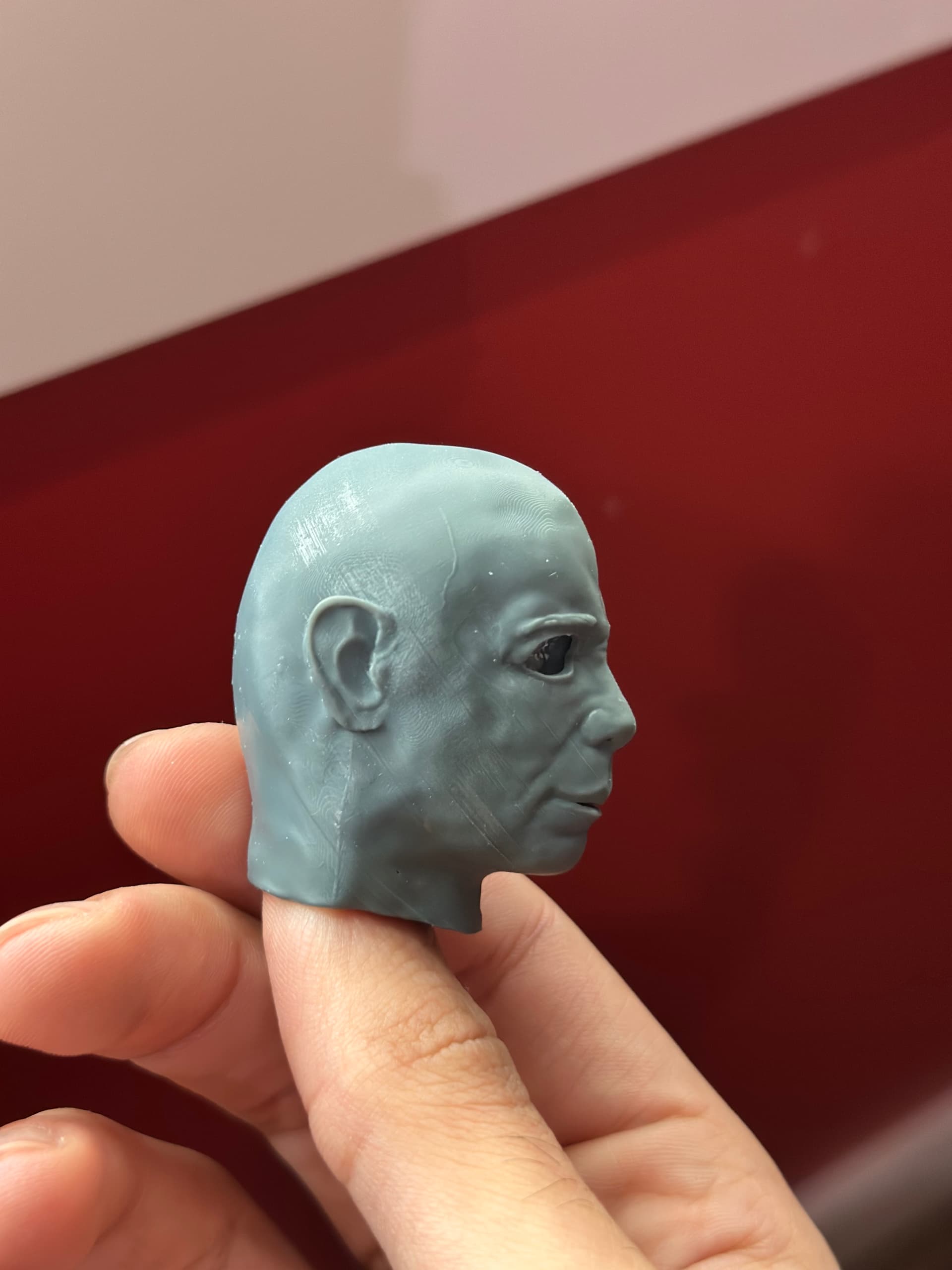
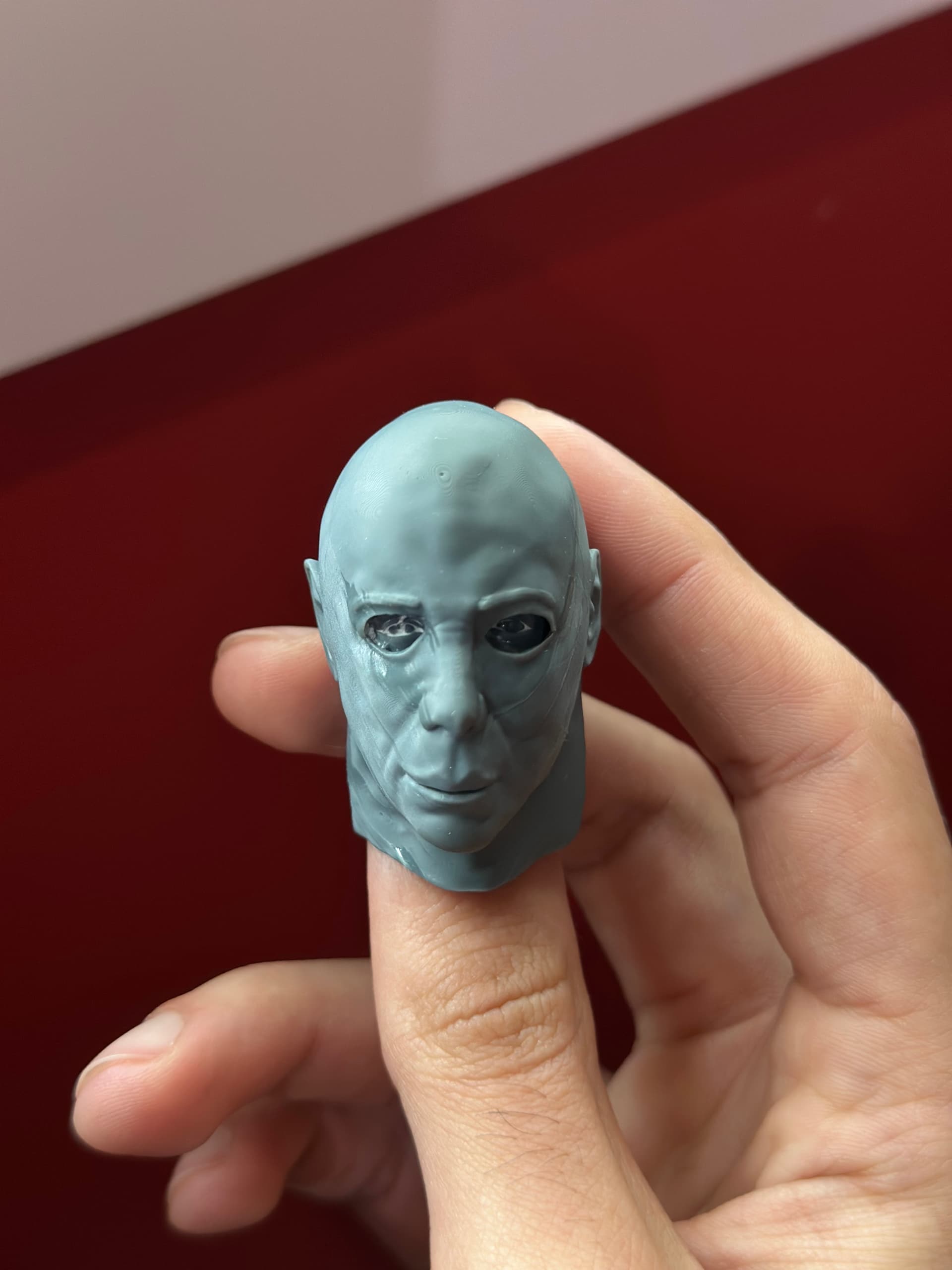
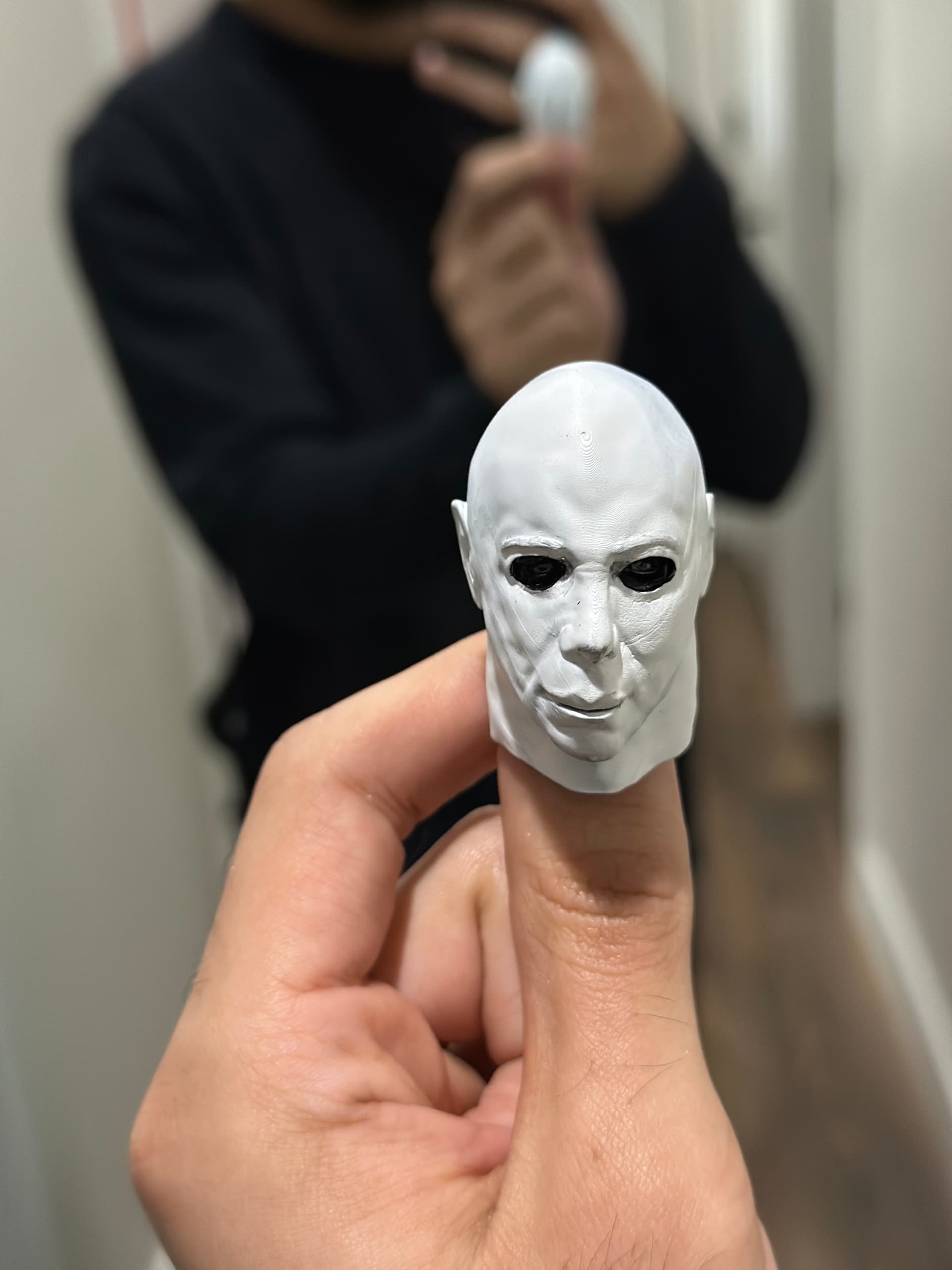
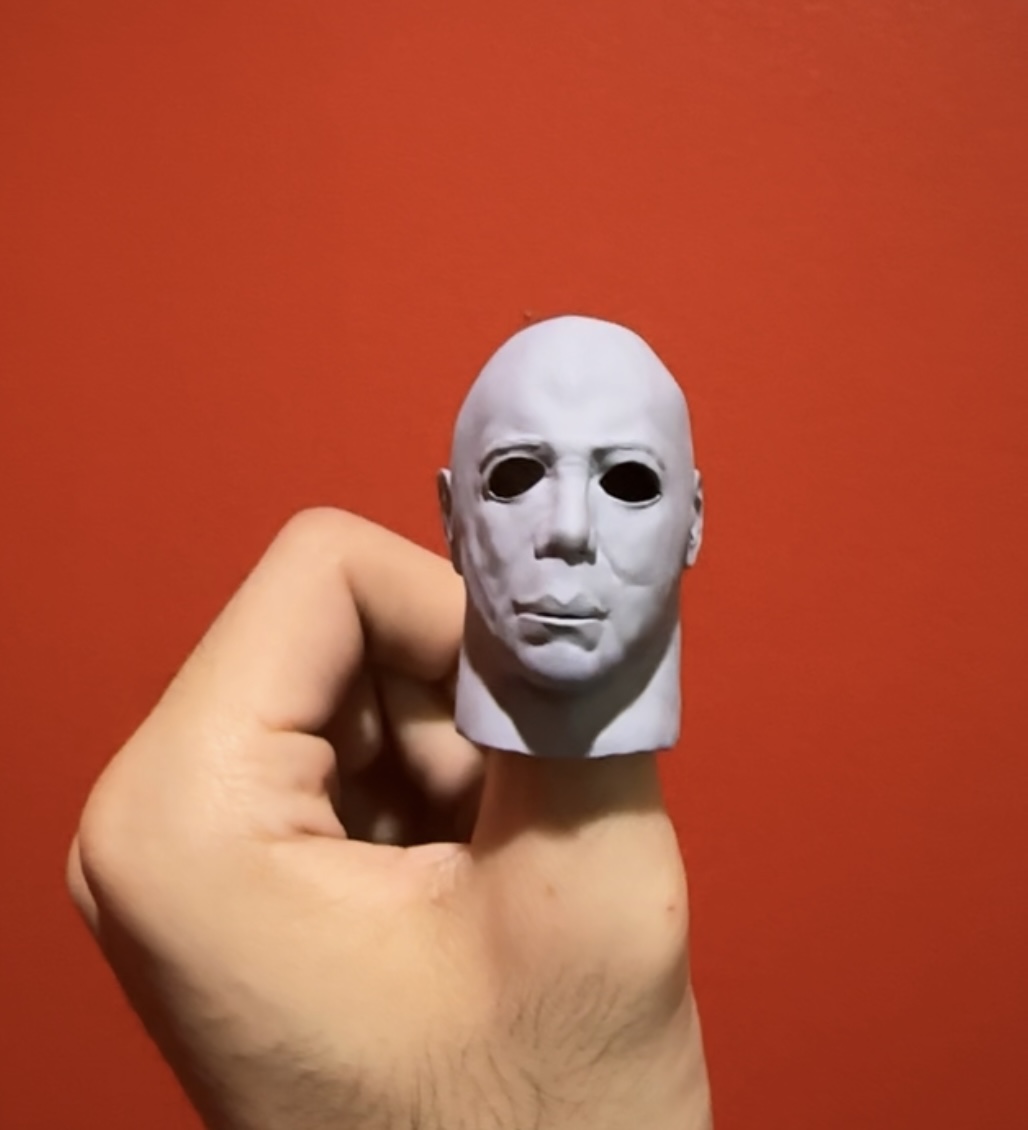
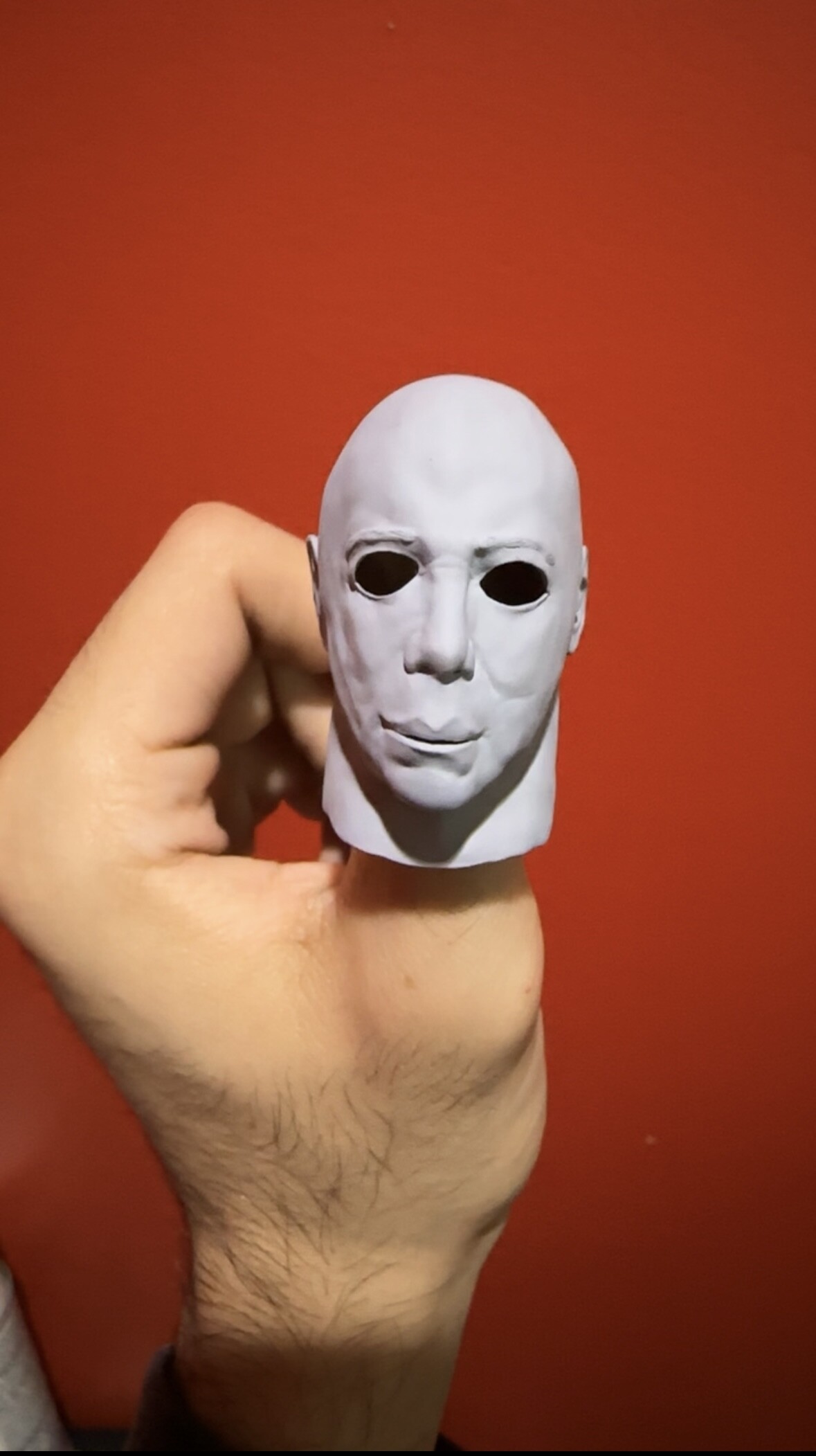
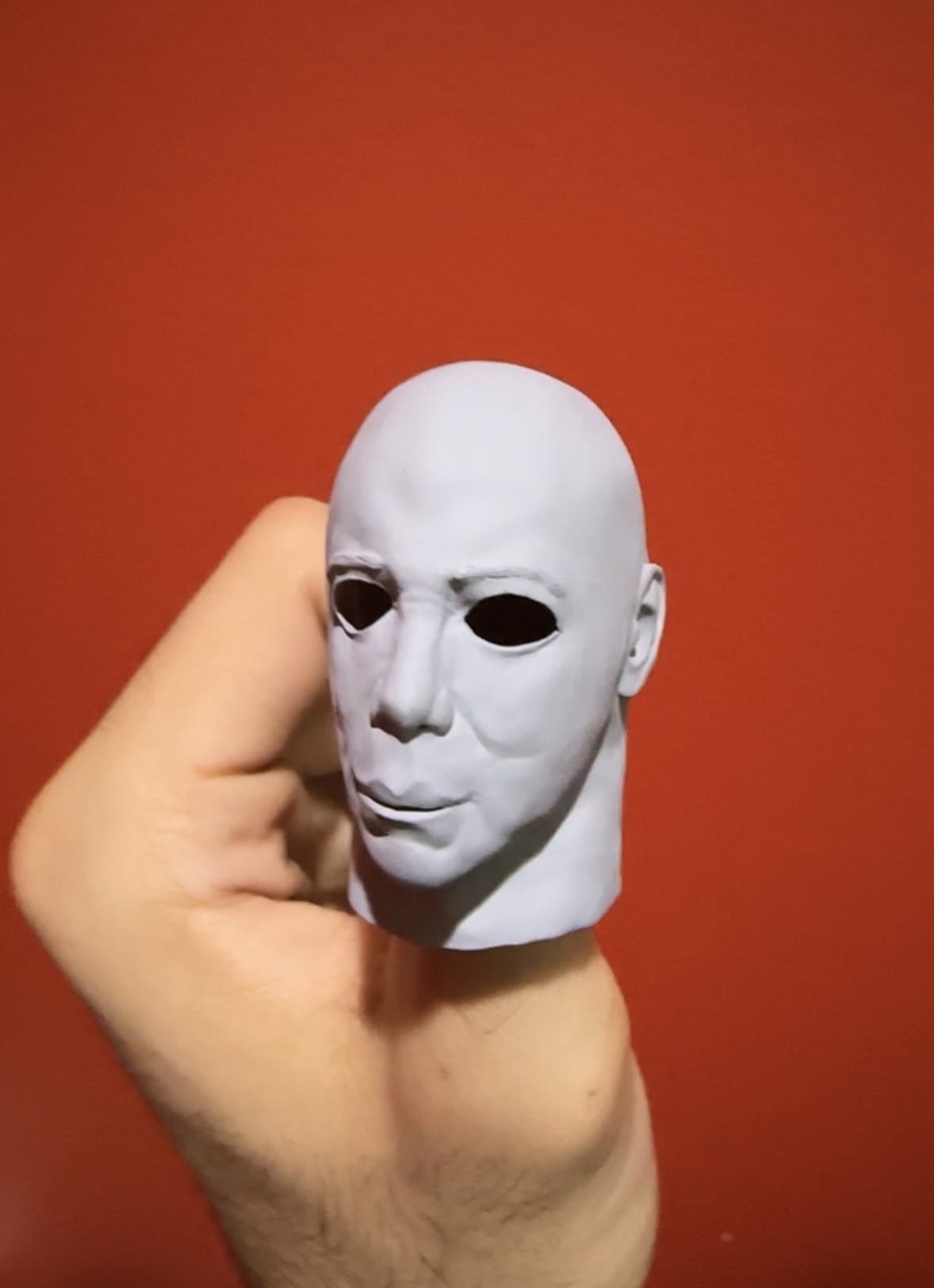
My first test print!
I think it came out alright, aside from the print defects. That’s gonna take me some time to dial in so that I can get it as clean as possible.
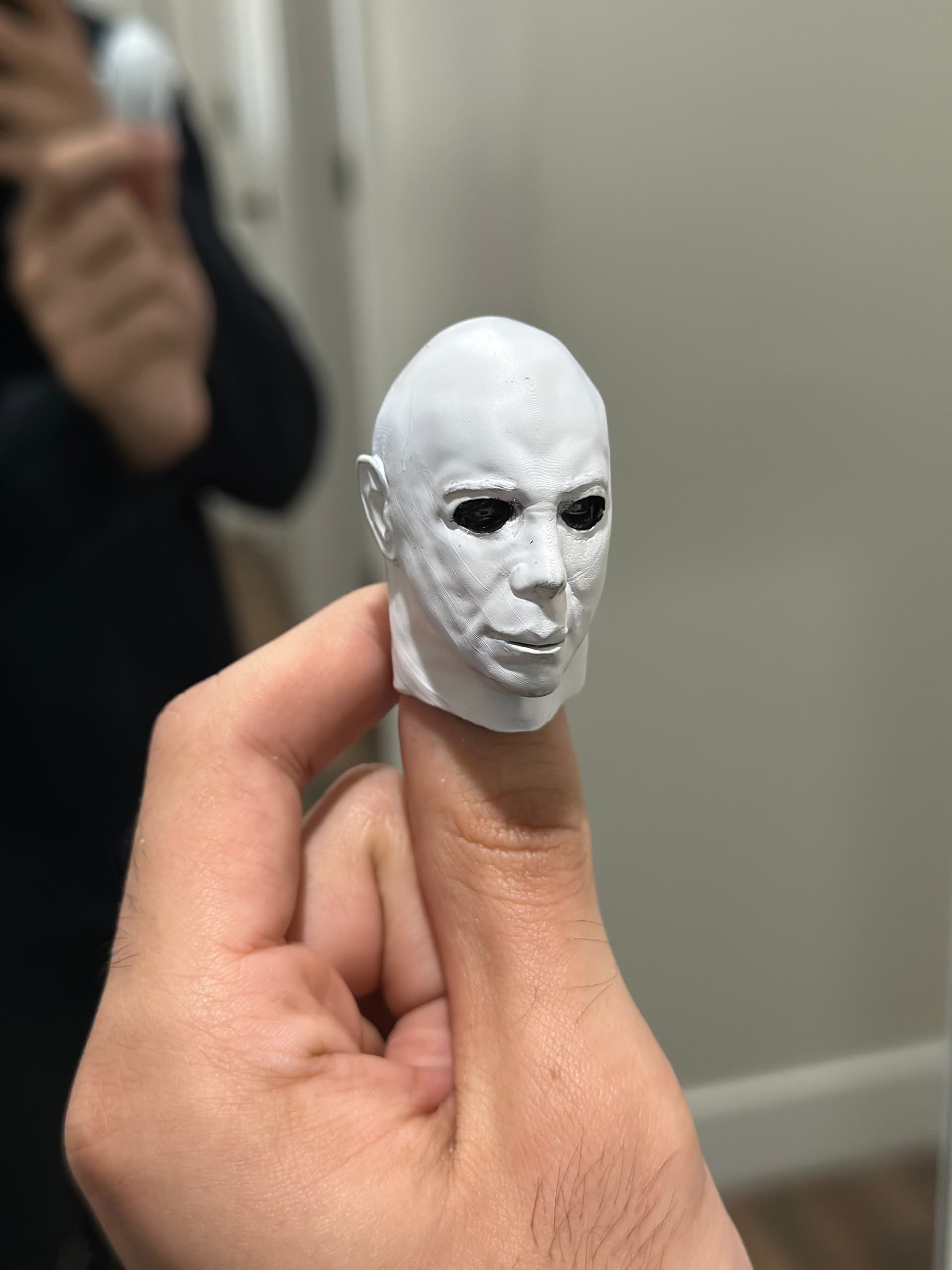
I’m gonna give it a quick spray with white paint to see how the details show with the paint applied as well.
Already started a second print with adjusted settings as well!
(Also if anyone with resin printing experience has any tips to get rid of those weird lines, it’d be a blessing hahaha)
Here it is with a SUPER rough paint job, I wanted to see if it would help hide the layer lines.
I was wrong, they still show 
So cool, man. Nive work!
Great work. That came out excellent!
Really cool & very creative nice one. 
So I’ve been having some troubles with printing and I’m making small tweaks to make sure the sculpt actually fits the neck of the blank body I have.
I’m that time I got curious as to how it would look with the hair, and I basically just styled up a free 3D hair asset and thought it would be worth posting it as short little update!